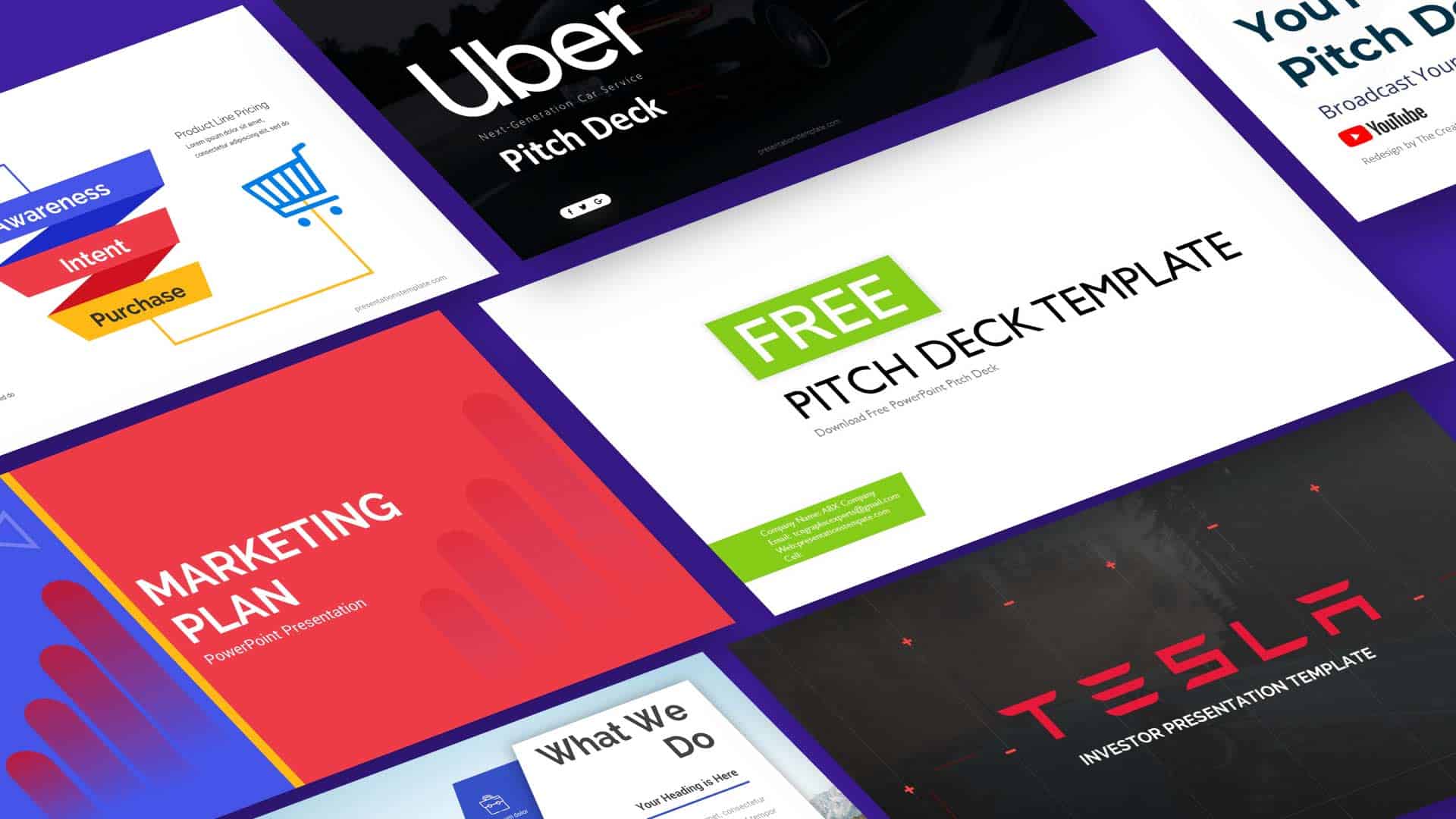
The Best Streamlined Minimalist Pitch Deck Templates for Every Entrepreneur
Ever felt your pitch deck looked like a wall of text that drags investors into a maze? A clean, focused deck turns that maze into a clear path.
Why Minimalism Matters in Pitch Decks
Minimalist slides cut through noise and let your story shine. By stripping away clutter, you keep the audience’s eyes on the key points that drive decision‑making.
Less Is More: The Power of Clean Slides
Each slide should answer one question: what problem does my solution solve? When you answer that, the rest of the deck follows naturally.
Top Templates That Cut Through the Noise
Template A: Bold, Simple
This layout starts with a striking headline and a single image that illustrates the core value. The following slides build on that visual anchor.
Template B: Structured Storytelling
It follows a narrative arc: problem, solution, market, traction, and ask. The design supports each chapter with matching typography and spacing.
Template C: Data‑Focused Design
Charts and metrics sit front and center. The background stays neutral so numbers speak louder than the slide itself.
How to Pick the Right Template for Your Pitch
Choosing a template is less about style and more about fit. Match the deck to the audience, the stage of your venture, and the message you must deliver.
Consider Your Audience
- Early‑stage investors prefer concise, high‑level overviews.
- Strategic partners look for detailed market data.
- Potential customers want a clear value proposition.
Match Your Brand Voice
- Bold fonts signal confidence for tech startups.
- Soft colors convey trust for consumer brands.
- Neutral palettes keep the focus on content.
Tool Spotlight: PitchDeck Builder
PitchDeck Builder lets you assemble a minimalist deck in a few clicks. It supplies pre‑styled slides, a library of icons, and a drag‑and‑drop editor that keeps the layout consistent.
Features
- Pre‑designed slide masters that enforce visual hierarchy.
- Smart placeholders that auto‑resize to fit your content.
- Export options for PDF, PowerPoint, and web embed.
- Version history so you can revert changes quickly.
- Collaboration panel that lets teammates comment in real time.
- Built‑in color palettes that match your brand guidelines.
- Icon library with vector shapes for quick illustration.
- Typography controls that lock font styles across slides.
- Slide transition presets that keep motion subtle.
- Data‑chart templates that auto‑format numbers.
- Accessibility checker that highlights contrast issues.
- Cloud sync that keeps your deck updated across devices.
Best Use Cases
- Founders preparing for a first‑round pitch.
- Growth teams updating quarterly decks for stakeholders.
- Consultants building client‑specific presentations.
- Designers testing new layout variations without starting from scratch.
- Marketing teams creating investor‑ready decks for events.
- Product managers showcasing feature roadmaps to executives.
- Fundraisers drafting proposals for grant applications.
- Start‑ups sharing progress with board members.
The tool also offers a template marketplace where you can download fresh designs that fit niche industries. Integration with cloud storage lets you pull in data from spreadsheets or CRM systems, so your numbers stay current without manual copy‑paste.
Because every element is pre‑aligned, you spend less time adjusting margins and more time polishing content. The result is a deck that looks professional after a single session.
Putting It All Together: A Quick Workflow
Start with a clear headline, add a single visual, then layer supporting data. Review each slide to ensure it answers one question and moves the story forward.
- Draft the core message.
- Choose a template that matches the audience.
- Insert data and visuals, keeping the layout simple.
- Proofread for clarity and consistency.
- Send the deck for feedback and iterate.
Final Thoughts
A minimalist pitch deck is a tool that lets your idea shine. By focusing on clarity, you give investors the space to see the value you bring. Pick a template that feels right, keep the slides tight, and let the story speak.