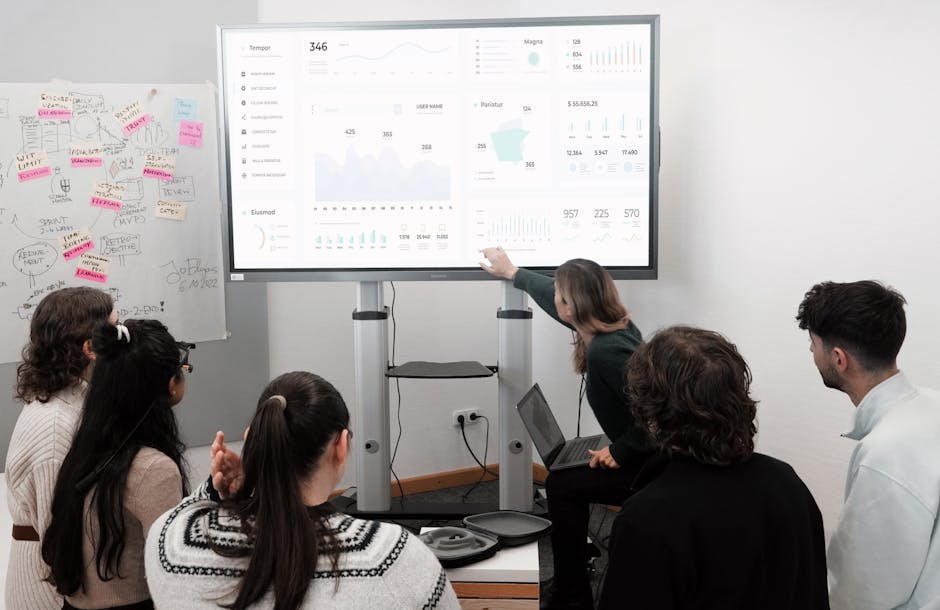
Mastering Project Design to Get Faster Approval Results
Do you ever feel like your hard work gets stuck in a never-ending loop of feedback? It is exhausting when you pour your heart into a project only to have stakeholders question every little detail. Getting an approval does not have to feel like pulling teeth if you change how you present your concepts.
You can turn that friction into progress by shifting your approach to design and communication. By taking control of the presentation process, you stop guessing what people want and start leading them to the right conclusion. Let us look at how you can sharpen your project design to ensure your next pitch lands perfectly.
Prepare Your Vision for Success
Successful projects rarely start with a blank screen and a hope for the best. You need a solid roadmap that connects your creative work to the specific goals of your clients or team. When you map out the intent, you prevent the common trap of endless revisions based on personal preference.
Define Clear Objectives Early
Start by setting expectations before you move a single pixel. You want to align on the core problem you are solving so that feedback stays focused on functionality rather than subjective style. If you do not define the scope, you invite people to comment on things that do not matter to the project mission.
- Establish key performance indicators to measure success.
- Identify the primary audience so your design stays targeted.
- Document constraints and technical requirements upfront.
- Create a mood board to align visual direction early.
Build a Prototype That Tells a Story
People struggle to visualize abstract concepts, so you must build a bridge between your brain and theirs. A simple, interactive prototype allows you to walk stakeholders through the user experience in a way that static sketches never can. You show them the journey, which makes it much easier for them to say yes to the destination.
Top Tools to Streamline Design Approval
Choosing the right platform changes your workflow. You want tools that keep communication centralized so you are not digging through email chains to find one obscure comment about a button color.
Figma for Layout Control
Figma lets you collaborate in real time while maintaining complete control over your design files. You keep all versions in one place, which means you never have to worry about someone reviewing an outdated draft. And yes, it actually saves your sanity during those final crunch hours.
- Comment directly on design elements to resolve confusion.
- Share live links to avoid messy file attachments.
- Use version history to track changes without fear.
- Enable developer handoff to keep your team aligned.
Pitch for Visual Presentations
Pitch allows you to create high-impact decks that look professional without wasting hours on formatting. You want your project story to look polished because presentation quality influences how people perceive the underlying work. It is a fantastic way to keep your narrative consistent from start to finish.
- Access templates that make your data look clean.
- Collaborate with teammates on slide content.
- Embed live web content to demonstrate functionality.
- Export quickly for client review meetings.
Wrap Up Your Process
Getting your projects approved is really about building trust through clarity and consistency. When you show your work with confidence and provide the right context, you take the mystery out of the review phase. Go ahead and put these steps into action to start closing your deals faster.
Download our project planning template here to jumpstart your next design phase.