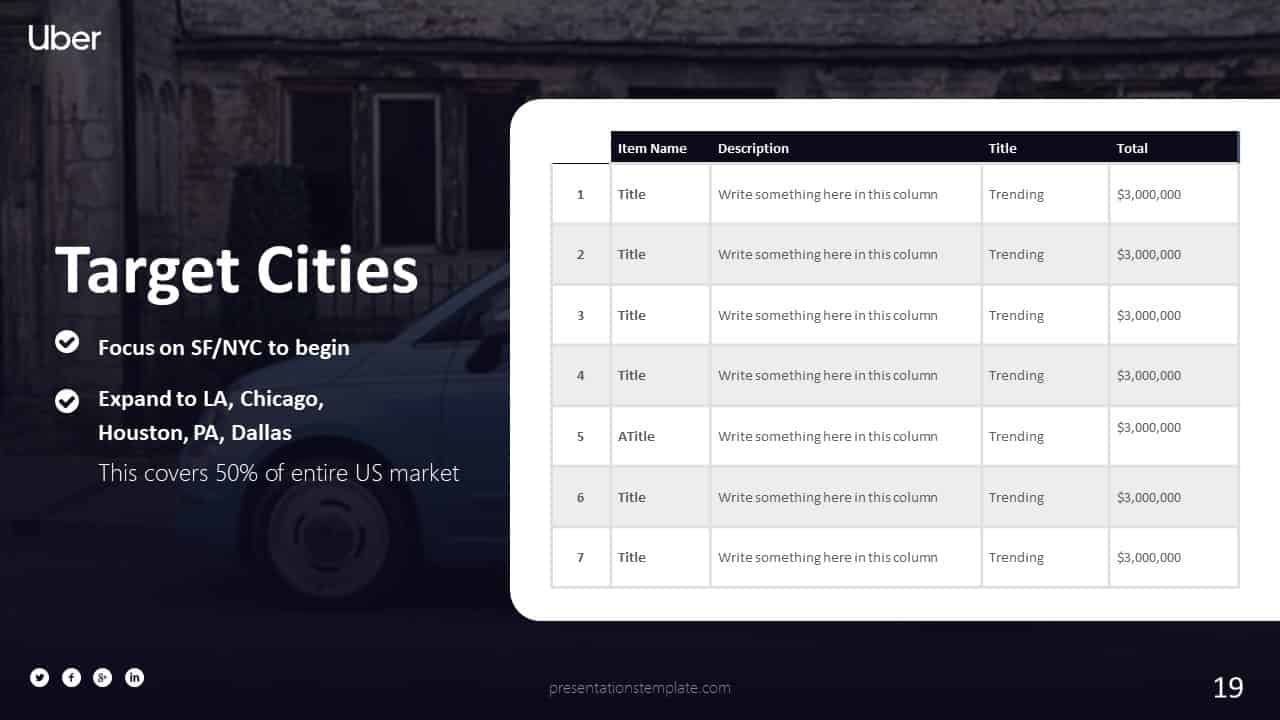
Unlock Faster Funding: Proven PowerPoint Pitch Templates That Close Deals
Ever wonder why some startups sail through funding rounds while others stall? The secret often lives in the deck you present. A well‑crafted PowerPoint template can turn a shaky idea into a compelling story that investors can’t ignore. Let’s dive into how the right slides can speed up your capital raise.
Why a Strong Pitch Template Matters
First impressions count
Investors skim dozens of decks each week; a clean, professional layout grabs attention before they even read a word. A clear hierarchy of information signals that you respect their time and have done the homework.
Consistency builds credibility
When fonts, colors, and chart styles stay uniform, the audience stays focused on the message, not on visual distractions. Consistency also shows you can manage details—something every investor values.
Key Elements of a Winning Pitch Deck
Problem & Solution
Start with a relatable pain point, then pivot to how your product solves it. Use a single‑sentence hook to make the problem feel urgent, followed by a concise visual of your solution.
Market Opportunity
Show the size of the market with a simple bar chart. Highlight growth trends and illustrate where you fit in the landscape.
Business Model
Lay out revenue streams in a clean table. Investors love to see clear paths to profitability without a maze of jargon.
Traction & Financials
Present real metrics—users, revenue, churn—in easy‑to‑read graphics. Pair numbers with a brief narrative that explains why they matter.
Template Spotlight: PitchDeck Pro
Overview
PitchDeck Pro offers a library of ready‑made slides that match the structure above. I’ve used it for several seed rounds, and the decks consistently impressed the panel. The interface lets you swap images, edit copy, and adjust colors in a matter of clicks.
Features
- Over 150 pre‑designed slide layouts covering every pitch section
- Smart placeholders that keep fonts and colors consistent automatically
- Integrated chart builder for market size and financial projections
- One‑click export to PDF or PowerPoint for seamless sharing
- Collaboration mode that lets teammates comment directly on slides
Best Use Cases
- Early‑stage startups needing a polished deck for angel investors
- Growth companies preparing a Series A presentation
- Founders who want to iterate quickly based on feedback
- Teams that require a consistent look across multiple pitch versions
- Anyone looking to save design time while maintaining a professional feel
Why I recommend it
The balance of depth and simplicity lets you focus on storytelling rather than design minutiae. When I swapped a generic template for PitchDeck Pro, my deck’s clarity improved dramatically, and the investor panel asked more detailed questions—exactly the sign of engagement you want.
How to Customize Templates for Your Story
Swap out generic images
Replace stock photos with screenshots of your product or real customer photos. Authentic visuals resonate more than generic graphics.
Tailor data points
Plug in your own metrics; don’t rely on placeholder numbers. Real data shows you’ve done the legwork.
Adjust the color palette
Match the deck’s colors to your brand guidelines. A subtle hue shift can make the whole presentation feel cohesive.
Final Checklist Before You Send
- All slides follow a consistent font and color scheme
- Data is up‑to‑date and sourced
- Each slide conveys a single clear idea
- Story flow moves from problem to solution to ask
- File size is under 10 MB for easy emailing
Take a moment to run through the deck aloud; if it sounds natural, you’re ready. A polished template is only half the battle—your confidence and clarity seal the deal.