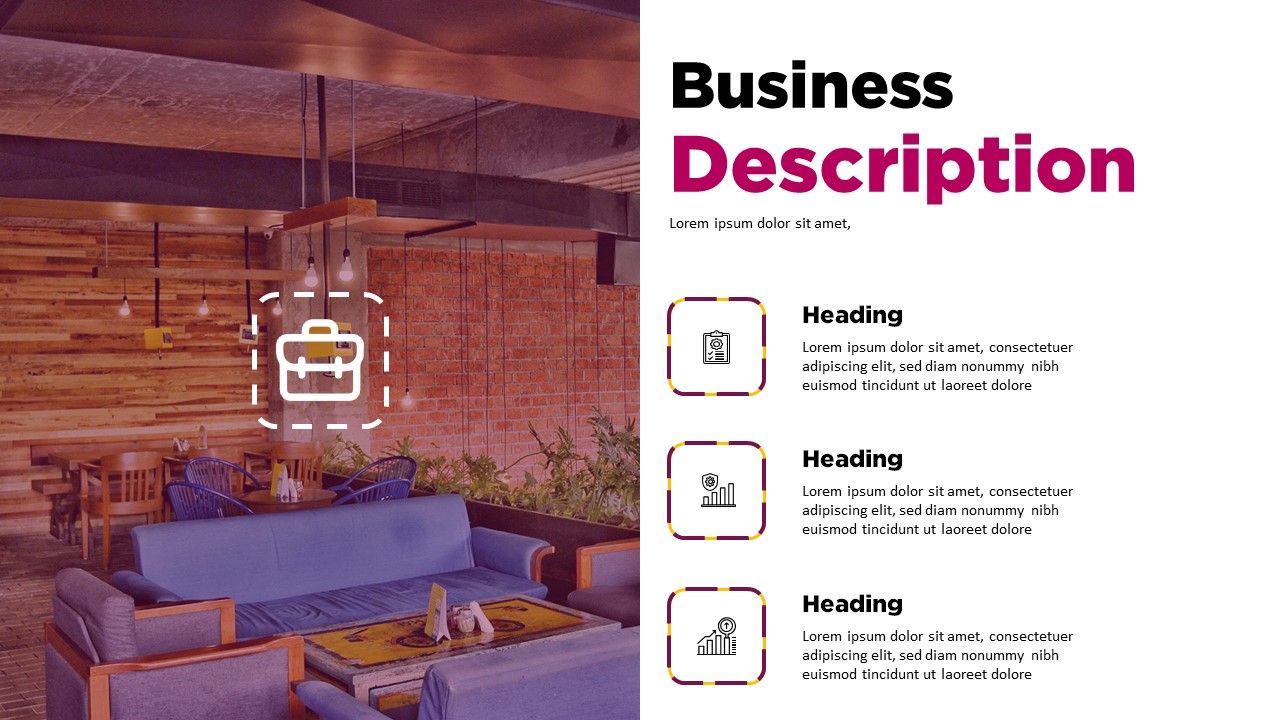
How to Win Clients With the Best Free Small Business Proposal Templates
Have you ever spent hours staring at a blank document, wondering how to pitch your services to a new lead? Sending a professional proposal is often the difference between closing a high-ticket deal and being ignored. You need a clear, persuasive layout that communicates value without being boring.
PandaDoc
Best for Document Tracking
PandaDoc offers a massive library of templates that help you present a polished look to your clients. I personally enjoy the drag-and-drop editor because it removes the headache of formatting tables and fonts. You can see when a client opens your proposal, which removes the guesswork during follow-up calls.
Features and Best Use Cases
- Monitor document views to see when your client engages with your pitch.
- Use pre-built layouts to organize service pricing and scope of work.
- Collect electronic signatures directly inside the proposal file.
- Access a large collection of industry-specific document examples.
Canva
Best for Visual Presentations
Canva is my go-to choice when I want to create a proposal that looks more like a magazine than a boring legal document. The design tools are excellent if you want to add your own brand colors, logos, and high-quality images. It makes your business stand out from the crowd without requiring a graphic design degree.
Features and Best Use Cases
- Select from thousands of aesthetically pleasing page layouts.
- Drag and drop your brand assets to keep your messaging consistent.
- Share links that let your clients view the proposal as a sleek webpage.
- Update content dynamically even after you send the link to a prospect.
Conclusion
Choosing the right template comes down to whether you prefer document tracking or high-end visual design. Both options streamline your workflow and help you maintain a professional image. Pick the one that fits your brand best and start sending better proposals today.