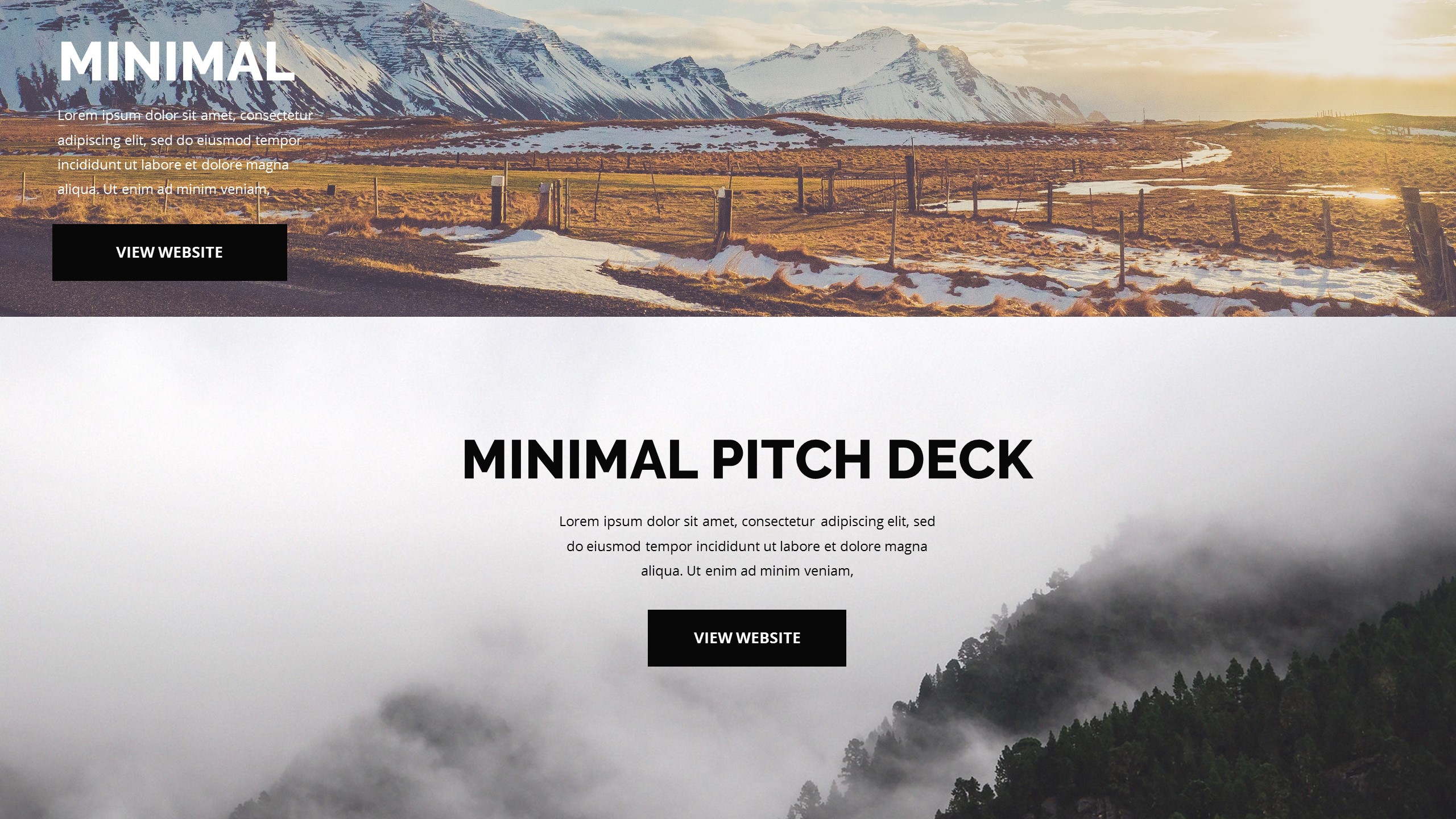
Master Your Presentations with These Free Business Slide Designs
Have you ever stared at a blank PowerPoint screen while the clock ticked toward your deadline? It happens to the best of us, and usually, the results are less than inspiring. You need layouts that look professional without requiring you to hire a dedicated design firm.
Finding high-quality templates that do not cost a fortune is a game of patience, but I have done the heavy lifting for you. These options provide the structure you need to deliver a clear message. Let us explore the tools that actually make your life easier during the slide creation process.
Canva Professional Layouts
Best for Pitch Decks
Canva changes how you handle slide design by providing a massive library of ready-made layouts. I find that the drag-and-drop interface prevents the usual headaches associated with traditional slide software. You can swap out colors, fonts, and images until the deck matches your brand identity perfectly.
- Access thousands of industry-specific slide formats.
- Use the team collaboration features to get feedback on your draft.
- Export your work into standard formats like PDF or PowerPoint files.
- Apply consistent branding across every slide with a single click.
I recommend this if you need to build something visually striking before your next big meeting. The templates avoid the clunky look of outdated software, which keeps your audience engaged rather than bored. It works well when you have a strong vision but lack the technical design skills to execute it from scratch.
Slidesgo Clean Templates
Best for Data Reports
If you prefer sticking to the native PowerPoint environment, Slidesgo provides the backbone you need. I appreciate how they categorize their offerings by theme, making it simple to find a look that fits your specific industry. You download the file, open it in your desktop app, and start plugging in your details.
- Download clean layouts specifically designed for data-heavy reporting.
- Access a wide range of icon sets that improve slide readability.
- Find structures that prioritize charts, graphs, and complex metrics.
- Adjust the elements using the familiar tools already present in your software.
This is my top choice for formal business environments where experimentation is not always welcome. The designs prioritize clarity and structure, ensuring that your data tells the story rather than the background graphics. It remains a reliable fallback when you need a professional finish on a tight schedule.
Wrapping Up
Choosing the right template does not have to be a chore. Whether you opt for the modern flexibility of web-based tools or the reliability of native files, your presentations will improve immediately. Pick a style that matches your message and get back to what really matters.