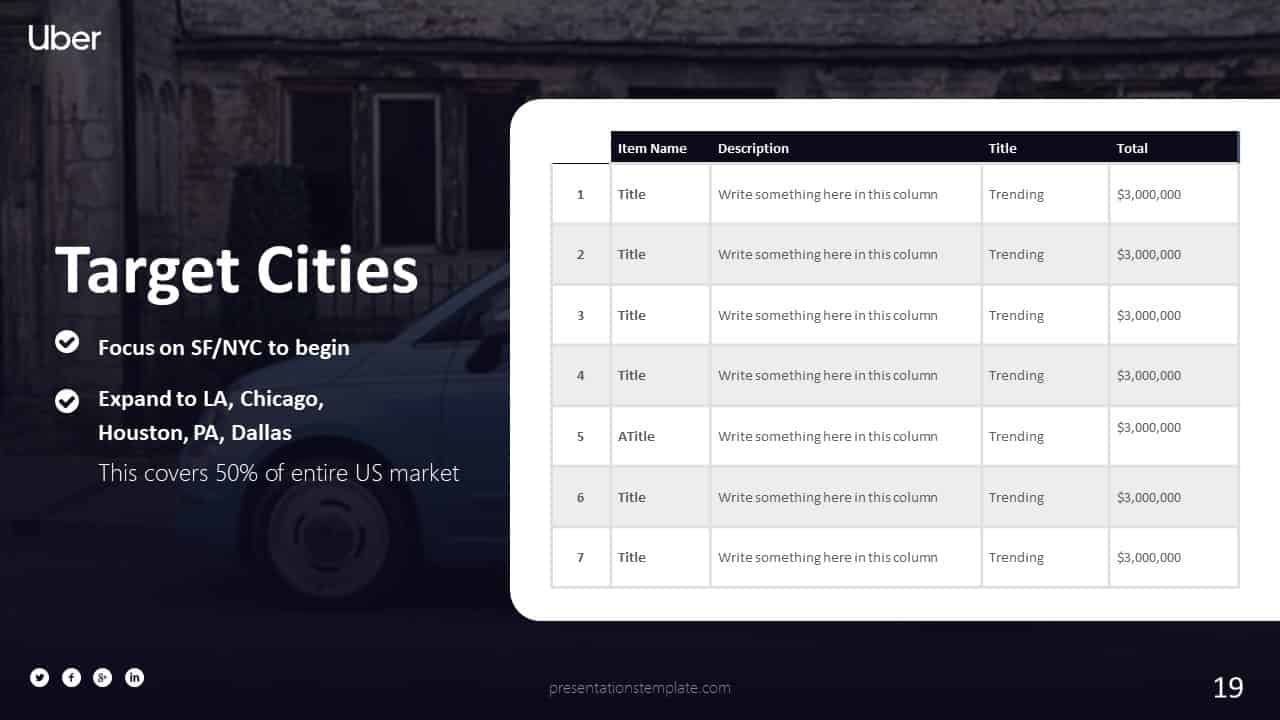
Master the Art of the Perfect Business Deck: Slides That Actually Convert
Why Your Deck Needs to Tell a Story
Most business presentations fail because they drown the audience in spreadsheets and bullet points. You need to shift the focus from data dumps to a clear, compelling narrative that connects with your listeners. If you cannot explain your vision in ten slides, you probably need to refine your message before walking into that boardroom.
The Essential Slides You Must Include
The Problem and The Hook
Start by describing a specific pain point that your audience understands intimately. You want them nodding their heads before you even mention your company name. When you define the problem, you establish your authority and show that you understand the stakes involved.
- Identify a clear market gap that causes frustration.
- Quantify the loss associated with this problem.
- Use one relatable story to ground the data in reality.
The Proposed Solution
Now, present your bridge between the current pain and the future success. You should focus on the outcome your product delivers rather than the technical features behind it. Keep this section clean, visual, and focused on the transformative value you provide to customers.
- Highlight the primary benefit that changes the user experience.
- Show a before-and-after scenario to prove effectiveness.
- Avoid jargon that obscures your core value proposition.
Tools to Build Your Presentation
Beautiful
Best for Visual Design
I find this tool removes the stress of formatting slides from scratch. You input your content, and it handles the layout so you can focus on your talking points. It keeps your brand consistent without needing a degree in graphic design.
- Ensures your brand colors and fonts stay locked across every slide.
- Offers clean templates that prevent cluttered layouts.
- Makes sharing and collaborating with your team a friction-free experience.
Canva
Best for Creative Assets
Canva works well when you need to combine custom graphics with professional slide structure. It provides a massive library of elements that prevent your deck from looking like a standard corporate template. I appreciate how it handles image editing and stock media integration.
- Provides access to millions of icons and photos to elevate slide aesthetics.
- Allows drag and drop functionality that saves massive amounts of time.
- Provides export options that work well across all common presentation hardware.
Refining Your Final Delivery
Do not let a great slide deck fall flat because of poor preparation. Practice your delivery until the slides feel like a background support to your voice rather than a crutch. If you feel nervous, remember that your slides are just there to hold the hand of your audience as you walk them through your idea.
Take time to trim the excess information that distracts from your core message. A thinner, punchy deck usually lands better than a massive binder of charts. Go ahead and polish those slides, and get ready to close that next deal.