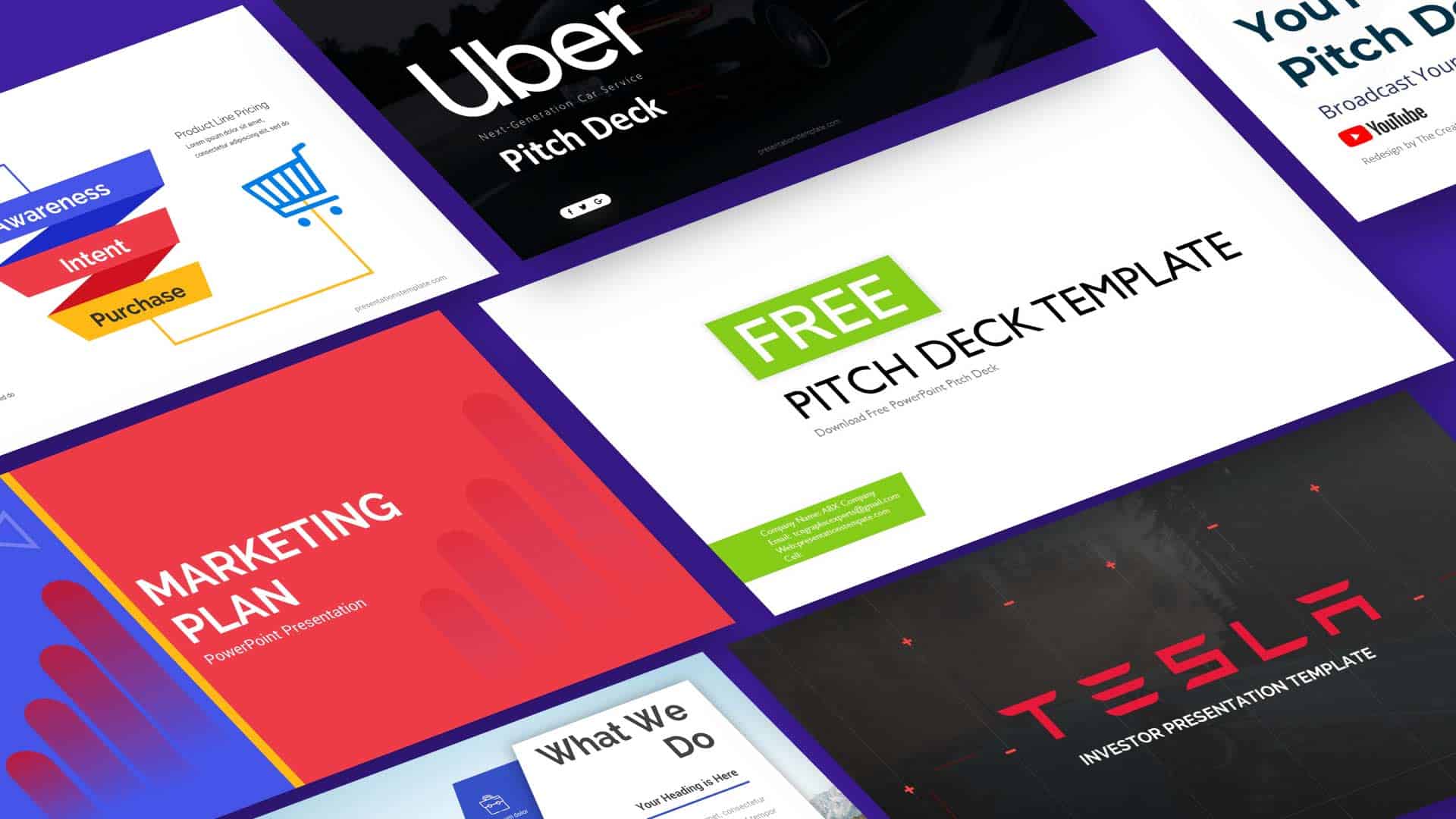
Mastering Business Presentations Through Better Storytelling
Have you ever sat through a deck that felt like a slow march toward nowhere? Most presentations fail because they prioritize data over the narrative arc that makes information stick. You need to frame your slides as a journey rather than a dry report.
When you focus on the stakes and the resolution, you move the audience from passive listeners to active participants. It changes the atmosphere in the room completely. Let us look at how you can build a narrative that actually resonates with your team or clients.
The Essential Narrative Arc
Structure Your Message Like a Story
Great presentations follow a classic structure that keeps people engaged from start to finish. You should always begin by establishing the current state of affairs. This is your status quo where you identify a specific problem that needs a change.
- Identify the primary conflict your business faces.
- Highlight the tension created by this specific obstacle.
- Provide a clear path toward a desired future state.
Once you establish the tension, you introduce your solution as the bridge to success. This keeps your audience wondering what comes next. (And yes, this approach prevents the dreaded glazed-over look that happens during long meetings.)
Top Presentation Tools
Colossyan
Best for Video Presentations
Colossyan helps you build professional video content without needing a camera or studio setup. You simply input your script, select a presenter, and watch the platform generate the output. It offers a clean way to share data or walkthroughs that feel personal and direct.
- Choose from a wide variety of digital presenters.
- Translate your content across multiple languages easily.
- Customize backgrounds to match your brand style.
You will find that using a human-like avatar makes your deck feel far less static. It breaks up the monotony of slides and allows you to deliver complex points with a bit more personality.
Pitch
Best for Team Collaboration
Pitch allows you to design beautiful decks while working alongside your colleagues in real time. It removes the pain of emailing file versions back and forth. You get a set of templates that actually look modern and clean right out of the box.
- Organize slide designs using a flexible grid system.
- Integrate your live data dashboards directly into slides.
- Share decks with public links for easy client access.
You can track engagement to see which slides people view the most. This data helps you refine your storytelling for the next iteration. It is a solid pick if you value design and want to stop wasting time on formatting.
The Finishing Touches
Always remember that your slides are just a backdrop for your voice. Do not read the text on the screen, as your audience can do that themselves. Use your deck to provide visual context that reinforces the point you are currently making aloud.
Focus on one major takeaway per slide to keep the message clear. If you leave your audience with a single, strong call to action, you have won the room. Now, go build a presentation that people will actually remember.