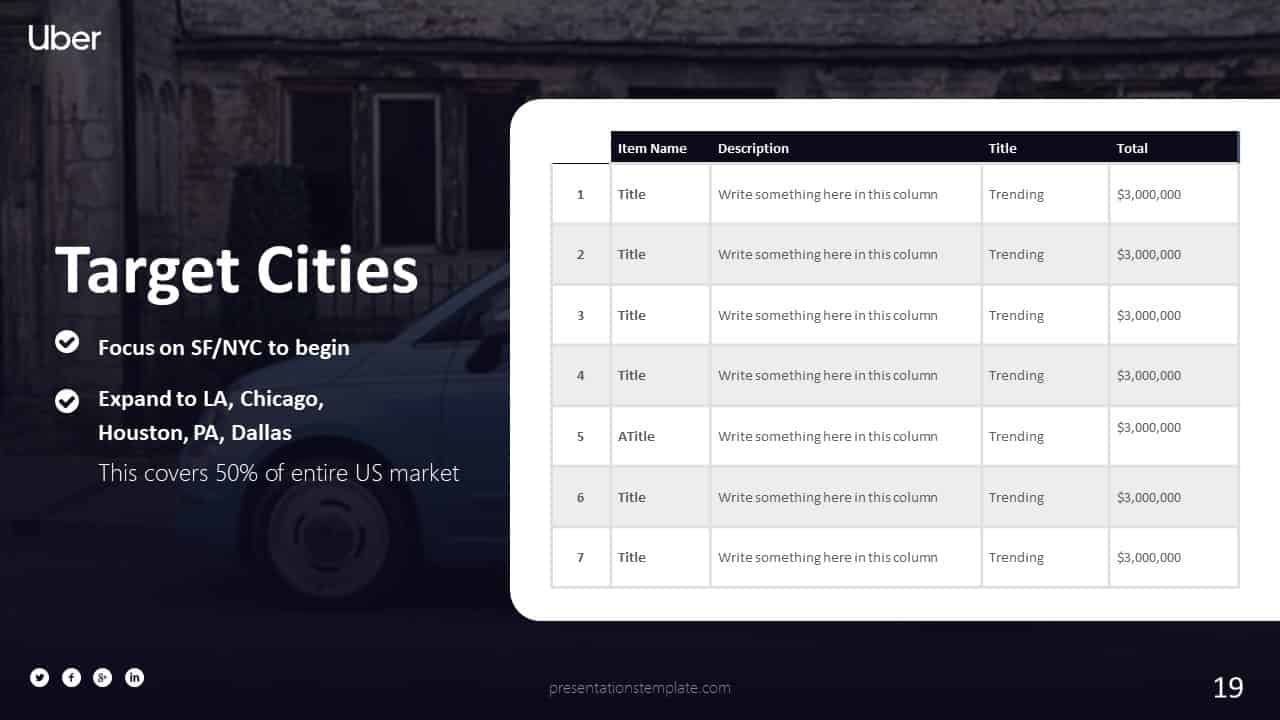
PowerPoint Templates That Turn Products Into Sales Stories
When you’re pitching a product, the first slide can set the tone for the rest of the deck. A well‑crafted template does more than look pretty—it guides your narrative and keeps the audience hooked.
Why Templates Matter for Product Presentations
Design choices influence how the audience perceives value. A clean layout lets your product shine, while a cluttered slide can drown the key message. Templates give you a head start on consistency and visual rhythm.
Speed to Impact
Building a deck from scratch can take hours, especially if you’re juggling data, images, and branding elements. A ready‑made template cuts that time in half, letting you focus on storytelling instead of formatting.
Brand Cohesion
Templates embed your brand colors, fonts, and iconography from the first slide. That consistency builds trust and makes your product look polished from the get‑go.
Top Template Styles for Product Showcases
Different products call for different visual approaches. Below are the styles that work best for most businesses.
Minimalist, Data‑First Templates
- Use case: Tech gadgets, SaaS demos, and data‑heavy presentations.
- Why it works: Clean lines highlight charts and key metrics.
- Tip: Keep text to a minimum; let visuals carry the story.
Story‑Driven, Image‑Rich Templates
- Use case: Consumer goods, fashion, and lifestyle products.
- Why it works: High‑resolution photos create emotional resonance.
- Tip: Use a consistent image style to avoid visual noise.
Professional, Corporate Templates
- Use case: B2B solutions, enterprise services, and financial products.
- Why it works: Structured layouts convey credibility and authority.
- Tip: Incorporate subtle gradients to add depth without distraction.
How to Customize a Template for Your Product
Once you pick a style, tailoring it to your brand and message is the next step. Here’s a quick playbook.
Step 1: Swap the Color Palette
Open the master slide and replace the default colors with your brand’s palette. This keeps every slide aligned with your visual identity.
Step 2: Add Product‑Specific Icons
Icons help break down features into bite‑size chunks. Use a consistent icon set that matches your product’s tone.
Step 3: Insert Real‑World Images
Replace placeholder photos with high‑quality images of the product in action. That authenticity pulls the audience into the narrative.
Step 4: Align Text Hierarchy
Make sure headings, subheadings, and body text follow a clear hierarchy. That way, viewers can scan the slide and grasp the main point instantly.
Common Mistakes That Kill a Great Deck
Even with the best template, small oversights can derail your presentation.
Overloading Slides with Text
Too many words make the audience read instead of listen. Aim for one main idea per slide.
Ignoring Slide Transitions
Seamless transitions keep momentum. Avoid jarring effects that distract from the message.
Forgetting to Test on Different Devices
Check that fonts, images, and animations render correctly on laptops, projectors, and mobile screens.
Takeaway: Build, Adapt, and Deliver
Choosing the right PowerPoint template is the first step toward a compelling product pitch. Customize it thoughtfully, avoid common pitfalls, and watch your presentation turn curiosity into conversion.