Crafting Visual Stories: How to Enhance Your Pitch Deck
Ever wondered why some pitch decks feel like a movie, while others just list facts? The secret lies in the visuals you choose and how you weave them into a narrative. In this guide, you’ll learn how to turn static data into a compelling story that keeps investors glued to every slide. Let’s dive in.
Why Visuals Matter in Pitch Decks
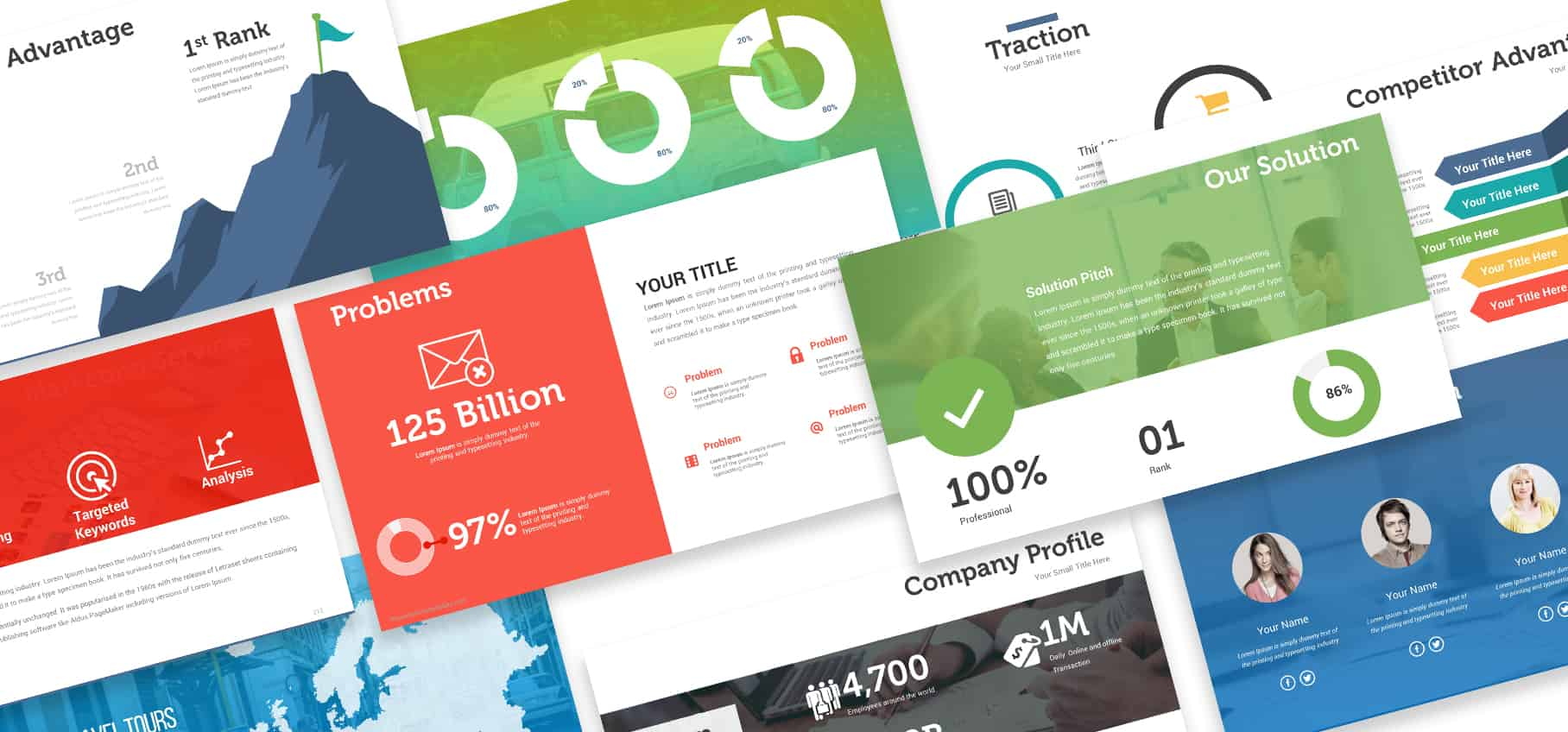
Investors skim decks faster than a headline. A striking visual can convey a concept in seconds, while a paragraph might take a minute to read. Visuals reduce cognitive load, making your key points memorable. They also signal professionalism and creativity.
Data That Pops
Charts, infographics, and icons transform raw numbers into patterns. When you use color and shape consistently, the audience can spot trends without sifting through text.
Emotional Connection
Images that resonate with the story evoke curiosity and trust. A single photo of your product in action can turn a skeptic into an advocate.
Choosing the Right Tool to Build Your Story
You don’t need a coding background to create a slick deck. Many platforms let you drag, drop, and tweak. The key is picking one that offers design flexibility and a library of assets.
Tool Spotlight: Canva
Canva is a popular platform that lets you assemble slides quickly. It offers a vast collection of templates, icons, and stock photos. You can import your own branding elements and keep a consistent look.
Key Features
- Customizable templates for every industry
- Drag‑and‑drop editor that keeps layouts intact
- Built‑in color palette generator to match your brand
- Collaboration tools that let teammates comment in real time
- Export options ranging from PDF to animated GIF
These features make it easy to focus on storytelling rather than formatting. The platform also includes a library of motion graphics for slides that need a bit of extra flair.
Design Principles That Drive Engagement
Good design is more than pretty colors. It’s about guiding the eye, emphasizing hierarchy, and ensuring clarity. When you apply a few simple rules, your deck feels polished and purposeful.
Use of Color
Choose a primary hue that reflects your brand, then add accent colors that contrast sharply. Keep the palette limited to three or four shades to avoid visual clutter.
Typography Choices
Stick to two fonts: one for headings and one for body text. Sans‑serif fonts read well on screens, while serif fonts add a touch of formality when needed.
Whitespace Matters
Don’t cram every element into a single slide. Allow breathing space so the audience can process each point before moving on.
Storyboarding Your Deck
A deck is a sequence of scenes, each building on the last. By planning the flow ahead of time, you can keep the narrative tight and avoid filler slides.
Start with a Hook
Begin with a problem statement or a striking statistic. This grabs attention and sets the stage for your solution.
Show the Journey
Map out your product’s development, market entry, and growth milestones. Visual timelines help illustrate progress.
Close with a Call to Action
End with a clear ask—whether it’s funding, partnership, or feedback. Make the next step obvious and easy to follow.
Final Touches and Rehearsal
Once your slides are ready, rehearse the flow with a timer. A polished presentation feels more confident and reduces the chance of stumbling.
Practice with the Visual Flow
Run through the deck while keeping your eye on the slide transitions. Notice if any visual breaks the rhythm and adjust accordingly.
Seek Feedback
Show the deck to a colleague or mentor and ask for candid critiques. Fresh eyes often spot inconsistencies you might miss.
Conclusion
Visual storytelling turns a list of facts into a memorable journey. By selecting the right tools, applying solid design principles, and rehearsing your narrative, you can keep investors engaged from the first slide to the final ask. Try these techniques in your next pitch and watch your deck come alive.