Crafting the Perfect Deck: 10 Must-See Design Templates
Ever stared at a blank slide and felt the pressure of the audience’s eyes on you? You’re not alone. A great deck turns that tension into a triumph. Below are ten templates that will help you slide from shaky to spectacular.
Classic PowerPoint Deck
Features
Built into the most familiar software, this template offers a clean layout, preset color schemes, and slide master control. It lets you layer text, images, and charts without breaking the flow.
Best Use Cases
- Corporate quarterly reports
- Investor pitches
- Academic presentations
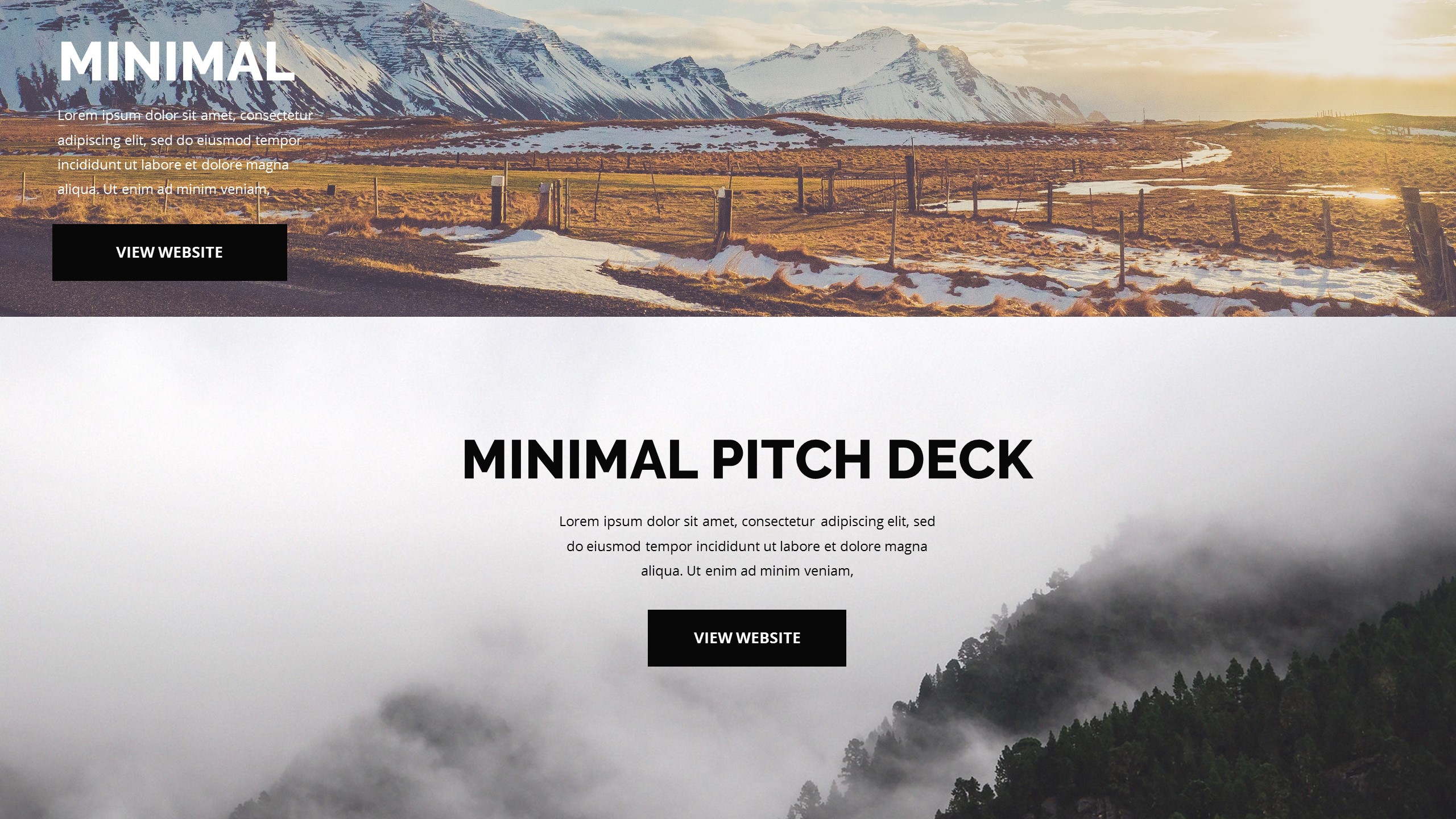
Minimalist Google Slides
Features
With a focus on whitespace, this template keeps the viewer’s eye on the message. It includes simple typography options and a handful of slide layouts that adapt to any device.
Best Use Cases
- Startup roadmaps
- Product demos
- Workshop agendas
Bold Infographic Slide
Features
Color blocks, icon sets, and data visualizations are front and center. The template encourages storytelling through charts, timelines, and flowcharts.
Best Use Cases
- Marketing metrics
- Industry trends
- Training modules
Interactive PDF Presentation
Features
PDFs stay consistent across devices. This template embeds clickable links, video clips, and hover effects, making the deck feel like a web page.
Best Use Cases
- Remote client proposals
- Product catalogs
- Digital brochures
Video-Embedded Deck
Features
Seamless video playback, caption options, and a simple media library keep the narrative engaging. The template supports full-screen mode for immersive storytelling.
Best Use Cases
- Event highlights
- Instructional videos
- Brand storytelling
Storytelling Timeline
Features
Horizontal or vertical timelines illustrate progress or history. The template offers drag‑and‑drop events, icons, and color‑coded milestones.
Best Use Cases
- Company history
- Project roadmaps
- Product launch phases
Data‑Driven Dashboard
Features
Real‑time charts, KPI widgets, and filter panels let you dive into numbers. The design keeps the focus on metrics without clutter.
Best Use Cases
- Executive summaries
- Sales performance reviews
- Operational analytics
Brand‑Centric Theme
Features
Brand colors, typography, and logo placement are baked in. The template offers a consistent look that reinforces brand identity.
Best Use Cases
- Marketing collateral
- Corporate training
- Product launches
Hand‑Drawn Sketch Deck
Features
Sketchy icons, doodle borders, and a relaxed color palette give the deck a creative, human touch. It works well in creative industries.
Best Use Cases
- Design portfolios
- Creative workshops
- Idea brainstorming sessions
Dark Mode Modern Deck
Features
Low‑contrast backgrounds, neon accents, and sleek typography keep the focus on content while reducing eye strain. The template supports dark‑mode‑friendly icons.
Best Use Cases
- Tech product demos
- Night‑time events
- Creative showcases
Conclusion
Choosing the right template is like picking the right outfit for the occasion. It sets the tone, guides the eye, and keeps your message clear. Test a few, tweak them to fit your style, and you’ll find the deck that feels like a natural extension of your voice.
Remember, the goal isn’t just to fill slides; it’s to spark conversation, deliver insight, and leave an impression that lasts long after the last click.