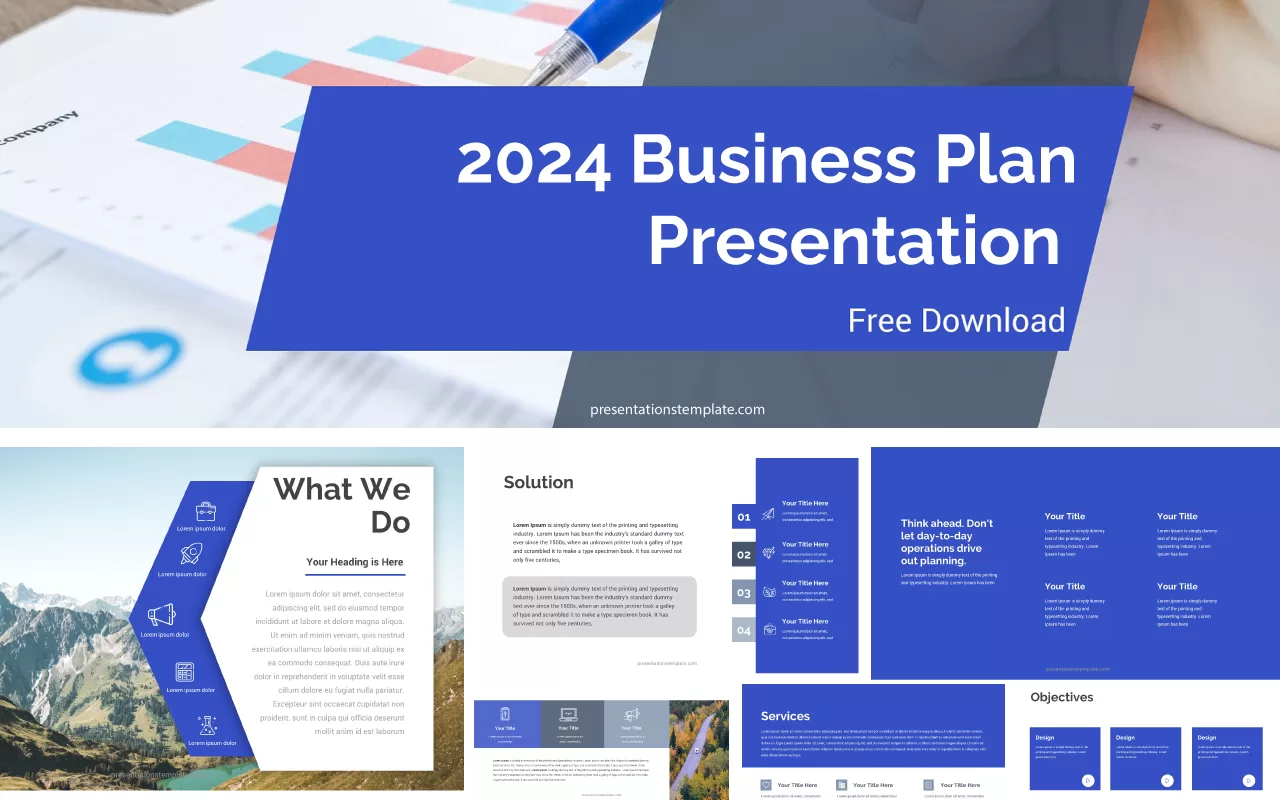
How to Build a Professional Strategic Plan Presentation That Actually Gets Approved
Have you ever spent weeks on a strategy only to watch your audience tune out during the deck presentation? Creating a compelling roadmap for your organization requires more than just dry data points and endless bulleted lists. You need a narrative that connects your vision to the practical steps required to reach your goals.
Building a professional strategic plan presentation is as much about the visual storytelling as it is about the content itself. When you use the right structure, you turn static numbers into a convincing argument. Let us look at how you can sharpen your delivery with effective tools.
Top Tools for Building Strategic Presentations
Choosing the right platform changes how you organize complex ideas. I find that these tools offer the best balance between structure and visual clarity, allowing you to focus on the story rather than wrestling with layout settings.
Beautiful.ai
Best for: Dynamic slide layouts
- Adapts slide layouts automatically as you add content to ensure everything stays aligned.
- Offers a deep library of smart templates designed specifically for business growth metrics.
- Helps you maintain brand consistency by locking in color palettes and font styles.
I find this tool removes the tedious task of manual formatting, which is a massive relief when deadlines loom. You can drag an image onto a slide and the software shifts your text to fit perfectly, which feels like having a personal designer sitting next to you. It keeps the look clean and professional without requiring advanced design skills.
Canva
Best for: Visual storytelling
- Provides thousands of high-quality graphics and icons to represent complex strategic goals.
- Allows for seamless collaboration with your team so you can edit the deck together.
- Includes a wide range of industry-specific templates that you can customize to fit your vision.
Canva makes the creation process feel less like a chore and more like a creative project. I often use its massive asset library to visualize abstract concepts like market shifts or resource allocation. The platform is excellent when you need to turn a dense strategic document into a slide deck that keeps stakeholders engaged from start to finish.
Conclusion
Crafting a strong presentation is your chance to turn your vision into reality. Focus on clear visuals, concise text, and a narrative that guides your audience through your logic. Pick one of these tools and start building your deck today to ensure your next meeting results in a firm thumbs-up from your team.