Master the Art of the Elevator Pitch: 10 Slides That Close Deals
Walking into a pitch meeting often feels like standing on a cliff edge. You have limited time to prove your worth before your audience checks their phones. A structured deck transforms that pressure into a clear, persuasive conversation.
The Essential Pitch Deck Slides
Defining Your Core Strategy
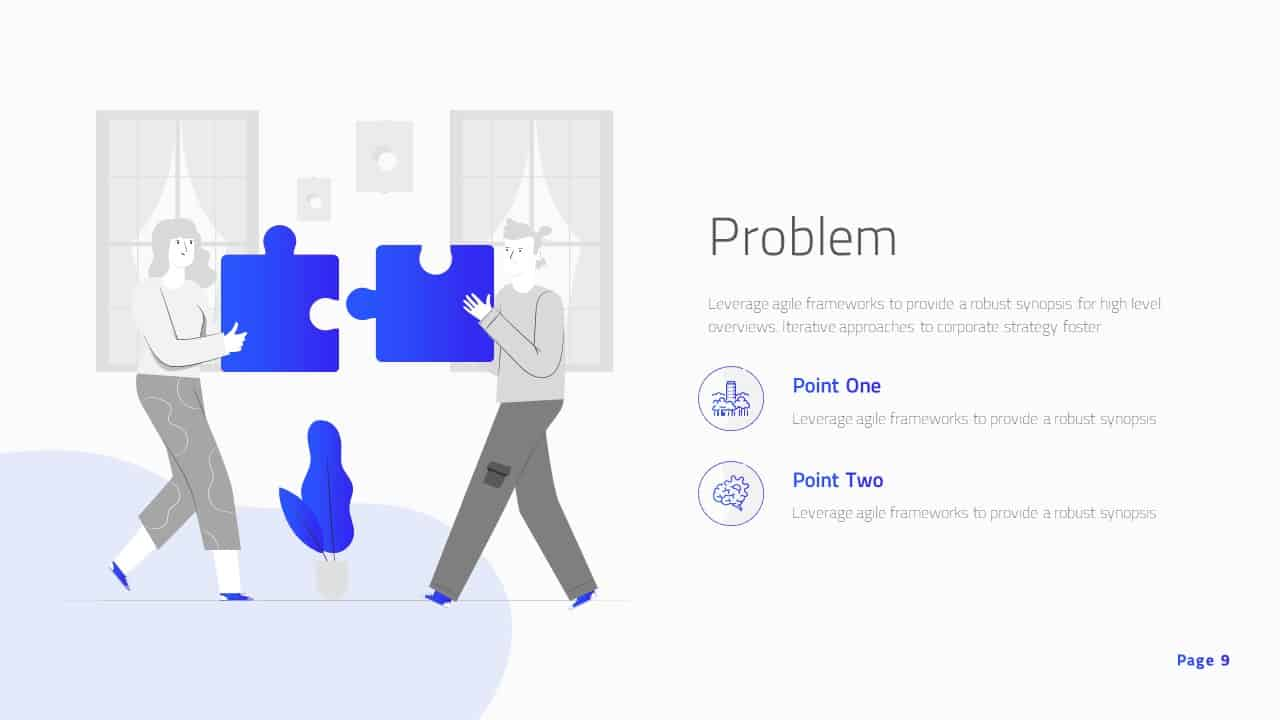
Start with a title slide that clearly states your company mission. Follow this with a problem slide that illustrates a genuine pain point your prospect experiences daily. These two slides ground your entire presentation in reality.
- Keep your problem statement focused on one specific, relatable struggle.
- Use a clear visual to demonstrate why the current status quo fails.
- Ensure your mission statement fits on one line of text.
Building Your Solution
Introduce your product as the natural answer to the problem you just identified. Explain how you solve it, but avoid technical jargon that confuses the message. Keep the value proposition front and center at all times.
- Highlight the primary benefit that makes your life easier.
- Show a screenshot or mockup to demonstrate real product utility.
- Focus on outcomes rather than complicated backend features.
Top Pitch Presentation Tools
Canva
Best for visual design.
Canva offers a massive library of templates that help you create professional layouts. I personally rely on this when I need a polished look without spending hours on design. It makes assembling slides feel more like a creative project than a chore.
- Drag and drop elements to organize your slide structure.
- Access thousands of high-quality stock photos and icons.
- Share links with your team to gather feedback on the design.
Beautiful.ai
Best for smart formatting.
This tool automatically adjusts your layout as you add content. I find it helpful because it prevents the frustration of misaligned text boxes or broken margins. You focus on the narrative while the software handles the visual consistency.
- Select from themes that maintain a uniform brand identity.
- Watch as your slide content snaps into a balanced layout.
- Adjust data charts with ease when your numbers change.
Gamma
Best for document flow.
Gamma lets you build decks that feel more like interactive web pages. I enjoy how it breaks the monotony of standard slideshows by allowing for scrolling and nested cards. It keeps your audience engaged by providing a dynamic viewing experience.
- Embed live web content directly into your presentation slides.
- Switch between presentation mode and reading mode seamlessly.
- Organize complex ideas into small, manageable card sections.
Final Thoughts on Pitching
Your slides serve as a supporting cast to your story, not the star. Practice your delivery until you can explain your slides without reading the text on the screen. Go out there and make that connection count.