Mastering the Pitch: 10 Essential Slides to Capture Investors
Have you ever stood in front of an investor and felt like your message just wasn't landing? Pitching is a high-stakes game where every second counts, and your slides serve as your visual backbone. You need a narrative that flows while keeping your audience hooked from start to finish.
The Core Pitch Deck Structure
Essential Slides for Engagement
Your deck needs to tell a story about a problem you solve and a future you create. Keep your design clean and avoid cluttering your slides with too much text, as people should listen to your voice rather than read paragraphs on a screen.
- Title Slide: State your mission clearly and make your branding memorable.
- Problem Statement: Describe the specific pain points your potential clients face today.
- The Solution: Explain how your product addresses those pains with a unique value proposition.
- Market Size: Show the potential for growth by citing credible industry data points.
- Business Model: Detail how you plan to make money and sustain your venture.
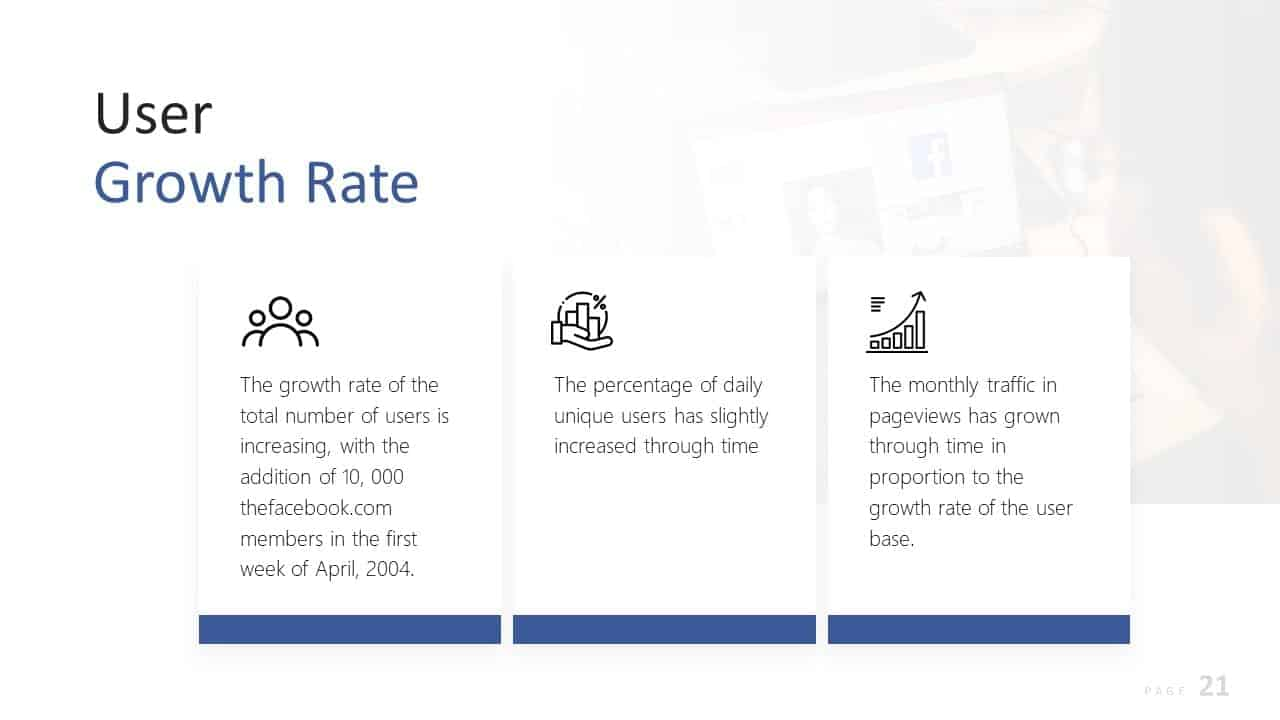
- Traction: Highlight your wins, customer growth, or major milestones you have already achieved.
- Competition: Compare your features against others to prove you understand your market position.
- The Team: Introduce the people behind the vision and why they are qualified to win.
- Financial Projections: Outline your expected growth over the next three to five years.
- The Ask: Close by stating exactly what you need and what you plan to accomplish with it.
Tools to Enhance Your Presentation
Colossyan
Best for Video Presentations
- Use this tool to generate realistic spokesperson avatars that explain your pitch concepts.
- Take advantage of the text-to-speech functionality to refine your narrative flow.
- Customize your visual slides with branded backgrounds to maintain professional consistency.
- Create engaging walkthroughs of your product features without needing a film crew.
Beautiful.ai
Best for Design Layouts
- Choose from smart templates that adjust your content layout automatically as you type.
- Maintain a cohesive brand look across every single slide in your deck.
- Save time on formatting so you can focus entirely on your pitch narrative.
- Adjust your charts and graphs to match your company brand colors effortlessly.
Final Thoughts on Pitching
Building a great deck is just the first step in winning over your audience. Practice your delivery until you can explain your slides without relying on them like a crutch. Your passion and clarity will ultimately close the deal.